 Wyvern Systems
What it is
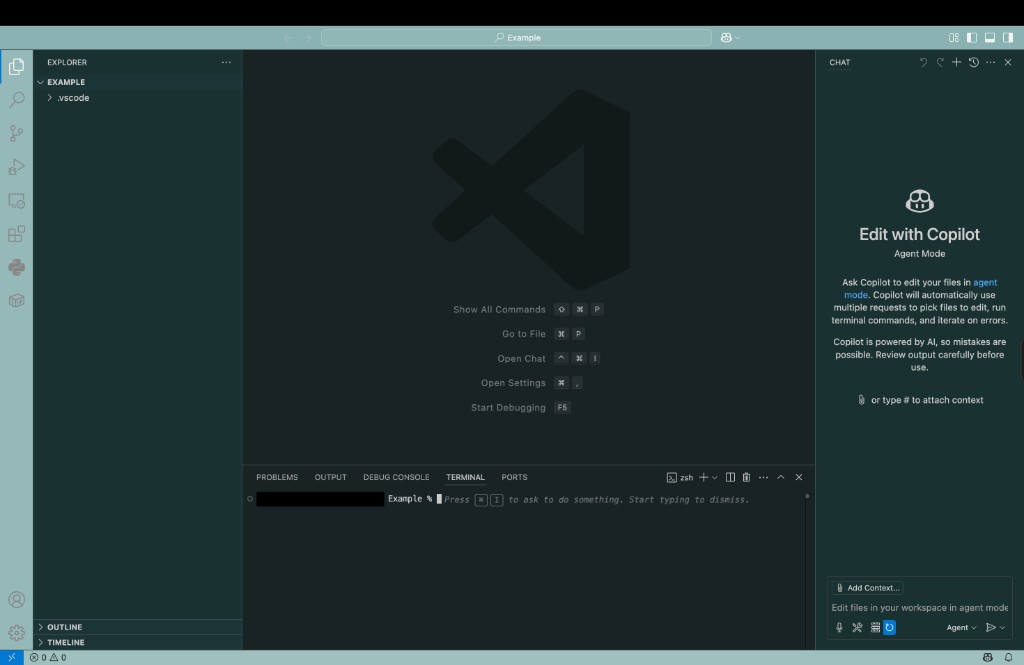
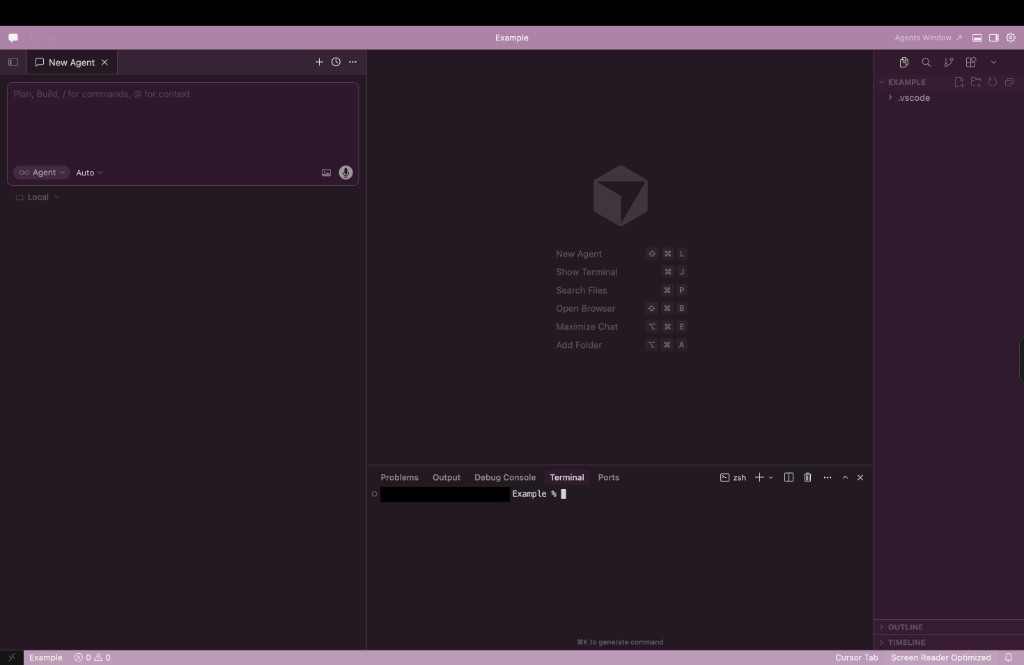
Auto Color is a free, MIT-licensed extension for VS Code and Cursor, published by my company, Wyvern Systems LLC. It gives every workspace its own color: pastel title, activity, and status bars, plus a matching tint across the editor, sidebar, tabs, and terminal. Your syntax theme still colors the code; Auto Color only changes the surfaces around it.
Why I built it
I usually have several editor windows open at once: different repos, or one window running an AI agent and another for my own edits. They all look the same, and more than once I ran a terminal command or continued a chat in the wrong project. With a distinct color per window, you can tell which project you are in at a glance, without reading the title bar.
How the color is chosen
- Stable by default: the color is derived from the folder path, so the same folder always gets the same color on your machine. The
auto-color.identitySourcesetting can switch to the folder name or the git origin remote, so a repo keeps one color across machines and clones. - Golden-ratio palettes: hues are spread with the golden ratio so neighboring projects land on clearly different colors.
- Follows your theme: dark themes get dark tinted surfaces and light themes get light ones, and the tint repaints when you switch themes.
- Named themes: Auto Color: Select theme paints a fixed palette instead, such as Matrix, GitHub Dark or Light, Dracula, Nord, Solarized, Monokai, Gruvbox, One Dark, Synthwave, Ocean, Sunset, or Rainbow.
- Live preview: Randomize color and Select theme preview each candidate as you browse. Press Enter to keep one or Esc to go back.
Polite with your settings
The colors are saved in workbench.colorCustomizations in the workspace's .vscode/settings.json. Auto Color merges only the keys it owns and removes only those keys when you turn it off. If a workspace already has settings, it does not paint on open; it waits until you ask with a command. If you delete its color lines yourself, it takes the hint and does not add them back until you ask again. Everything is computed locally, with no network access and no workspace trust prompt.
Beyond VS Code
Version 2.0.0 also added a small command-line tool that writes the same palette into the native settings of each editor it finds in a folder: the VS Code family through .vscode/settings.json, and Zed through its experimental theme overrides. It is not on npm yet; run it from a checkout of the repository.
Get it
Search for Auto Color in the Extensions panel, or run ext install WyvernSystemsLLC.auto-color from the command palette. It needs VS Code 1.85 or later, and it is on both the Visual Studio Marketplace and Open VSX, the registry used by VSCodium, Windsurf, and other forks. The source is on GitHub.